Migration Guide - BMS
Step-by-step guides for upgrading between WideQuick BMS versions. The newest migration is listed first and expanded; older migrations are collapsed.
WideQuick BMS 2026.1.0 → 2026.1.1
Released 2026-06-26
Migration steps
Prerequisites
- WideQuick BMS 2026.1.0 (Template or Demo project)
- WideQuick V14 or later installed
Migration steps
-
Download the resource package Migration BMS.2026.1.1.
-
Open your
WideQuick_BMS_Template_2026_1_0orWideQuick_BMS_Demo_2026_1_0project in WideQuick® Designer and import the resource package. -
In WideQuick® Designer, click the Resources button to open the resource panel.

In the resource panel, navigate to Files → Import from... and select Migration BMS.2026.1.1 from the downloaded package.
Once the resource is loaded, set all files to Replace so that the existing files in the project are overwritten with the updated versions. The gif below shows how to do this:
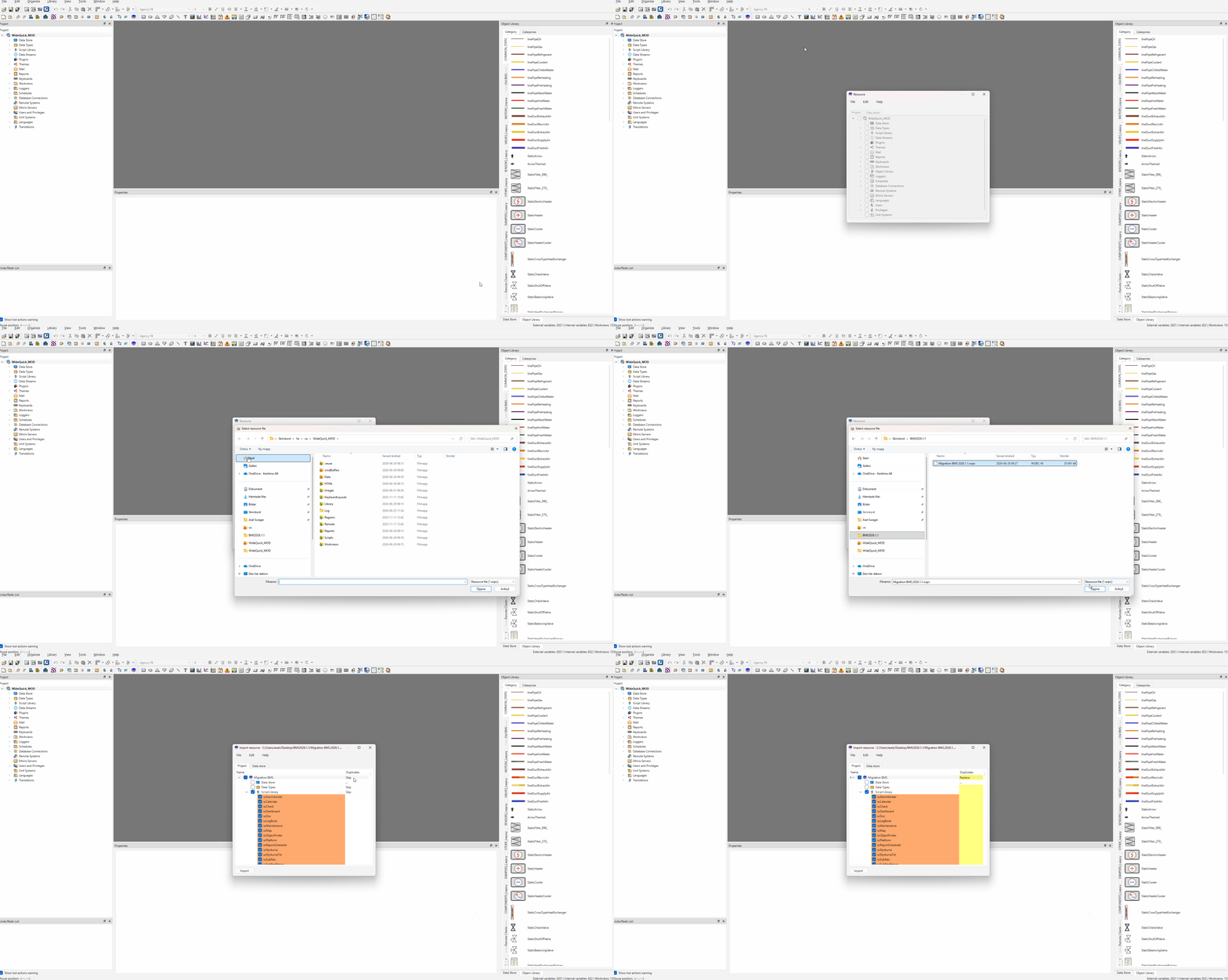
When all files are set to Replace including the ones in the Data Store, click Import to start the process.
Warning
Once Import is clicked, do not interact with the application until it has finished. The process takes approximately 1 minute. If it crashes, simply run the import again.
-
Start the project in WideQuick® Runtime.
-
Close the application and start it again.
-
After the second restart all changes are applied. The
scCheck.jsscript can now safely be deleted from the project. This script is a one-time migration script that runs on startup to add missing suffix aliases, update user privileges, and correct database connection settings from the 2026.1.0 release. It is no longer needed once the migration is complete.
Note
The 2026.1.0 Template and Demo projects shipped with a bug where the Larm,
Maintenance, and History database connections were missing their database
name. scCheck.js corrects this automatically, but only if the connections are
still in their original bugged state. Any database connections that have already
been configured by the integrator will not be touched.