Maintenance
The Maintenance popup displays all maintenance tasks scheduled for the selected object. It is always visible in the Tab menu regardless of which suffixes the object has. For more information on how the maintenance system works, see Maintenance.
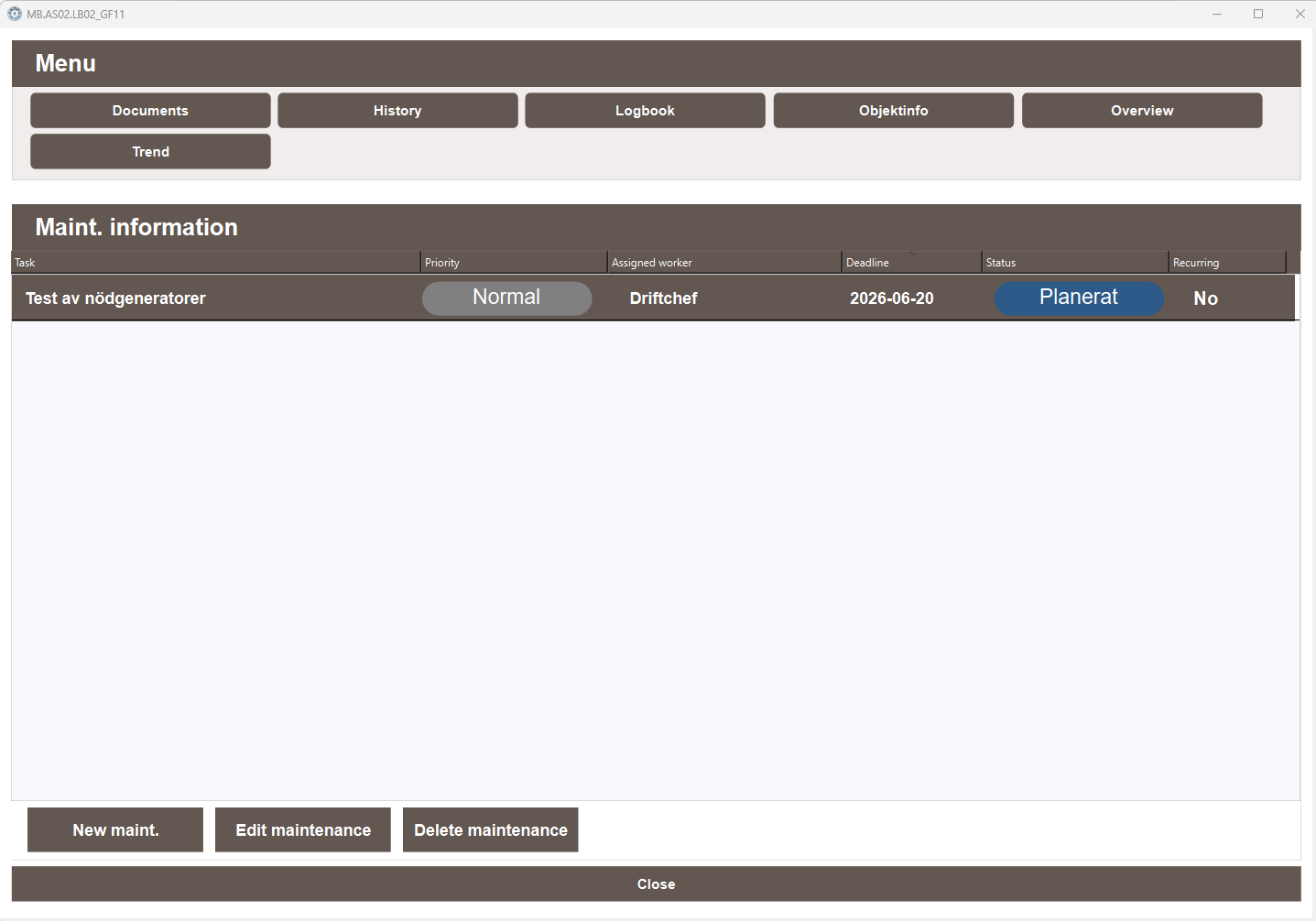
Maintenance information
The Maint. information list displays all maintenance tasks associated with the object. Each entry shows the following information:
- Task — the name of the maintenance task
- Priority — the priority level of the task
- Assigned worker — the person responsible for the task
- Deadline — the date by which the task must be completed
- Status — the current status of the task, for example Planned or Ongoing
- Recurring — whether the task repeats on a schedule
Actions
The following actions are available at the bottom of the popup:
- New maint. — creates a new maintenance task for this object
- Edit maintenance — edits the selected maintenance task
- Delete maintenance — deletes the selected maintenance task