MultiView
In WideQuick Modular Framework it is possible to have objects which contains linking to other Workviews. This makes it possible to have the system change to another Workview based on a certain action. This guide will go through how to set this up. Firstly go to a Workview where this will be implemented, and select the object. From here press the tab Action, which will bring up the following.

In this window, next to event the user can decide what action will change the Workview. In this example "Click" will be used. Next change from "No action" to "Script" and click the text icon to the right. This will open up the script window
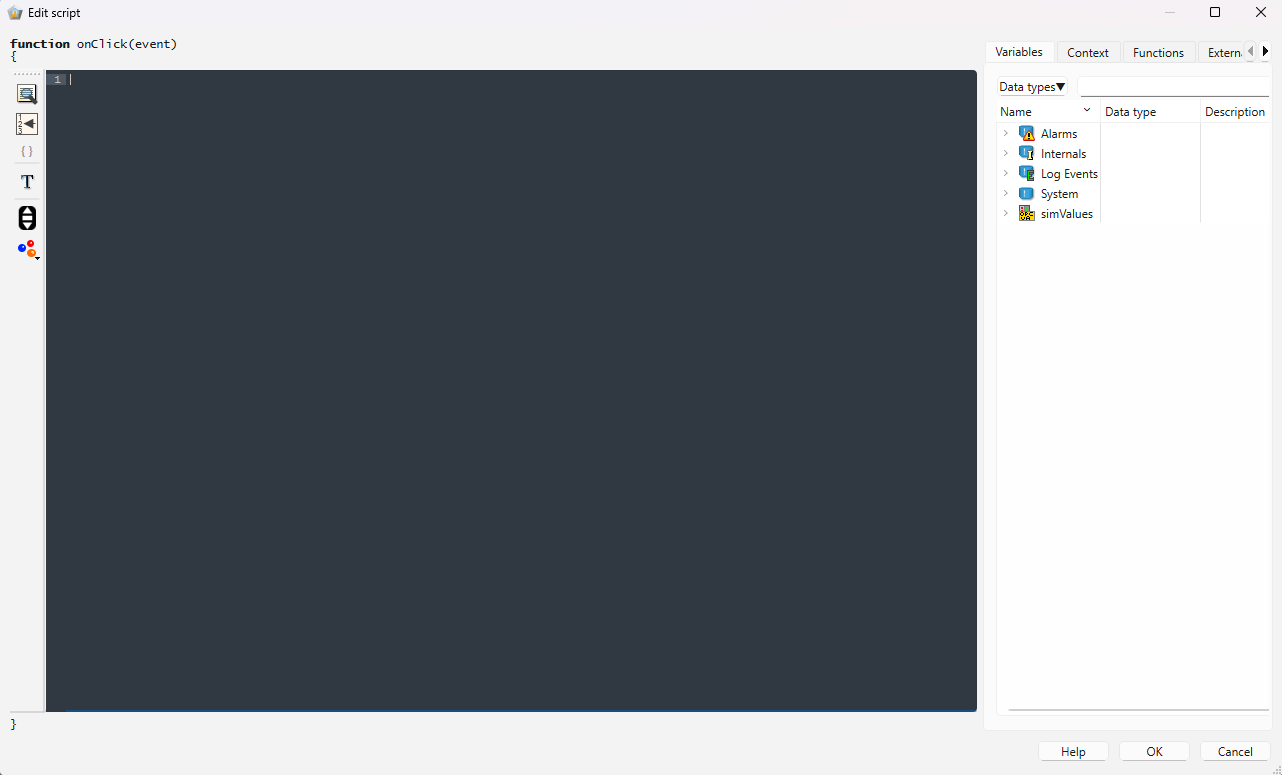
In this window the user can create their script for what action will happen when the event happens. The script for switching to another Workview is shown below.
1 | |
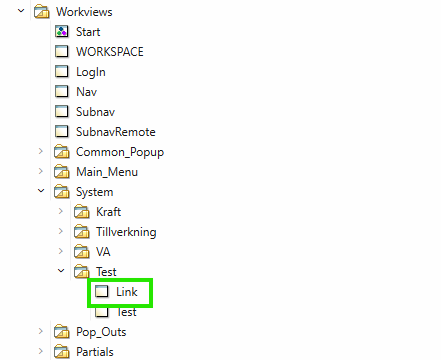
1 | |