Script Reference Handler
After WideQuick® 14.0, remote script libraries can now have the same names as script libraries in the main project. Previously, this could cause the system to run the wrong script. This update improves both modularity and robustness of script libraries.
To update older projects for compatibility with the new version, download the Script Reference Migration Handler
Once downloaded, extract the files and follow the steps below before running the project in Runtime.
-
It's strongly recommended to back up a project prior the use of WideQuick 14.0 Script Reference Handler.
-
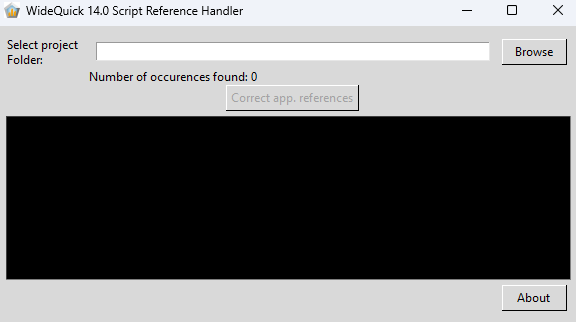
Run the program and this window will be displayed:
-
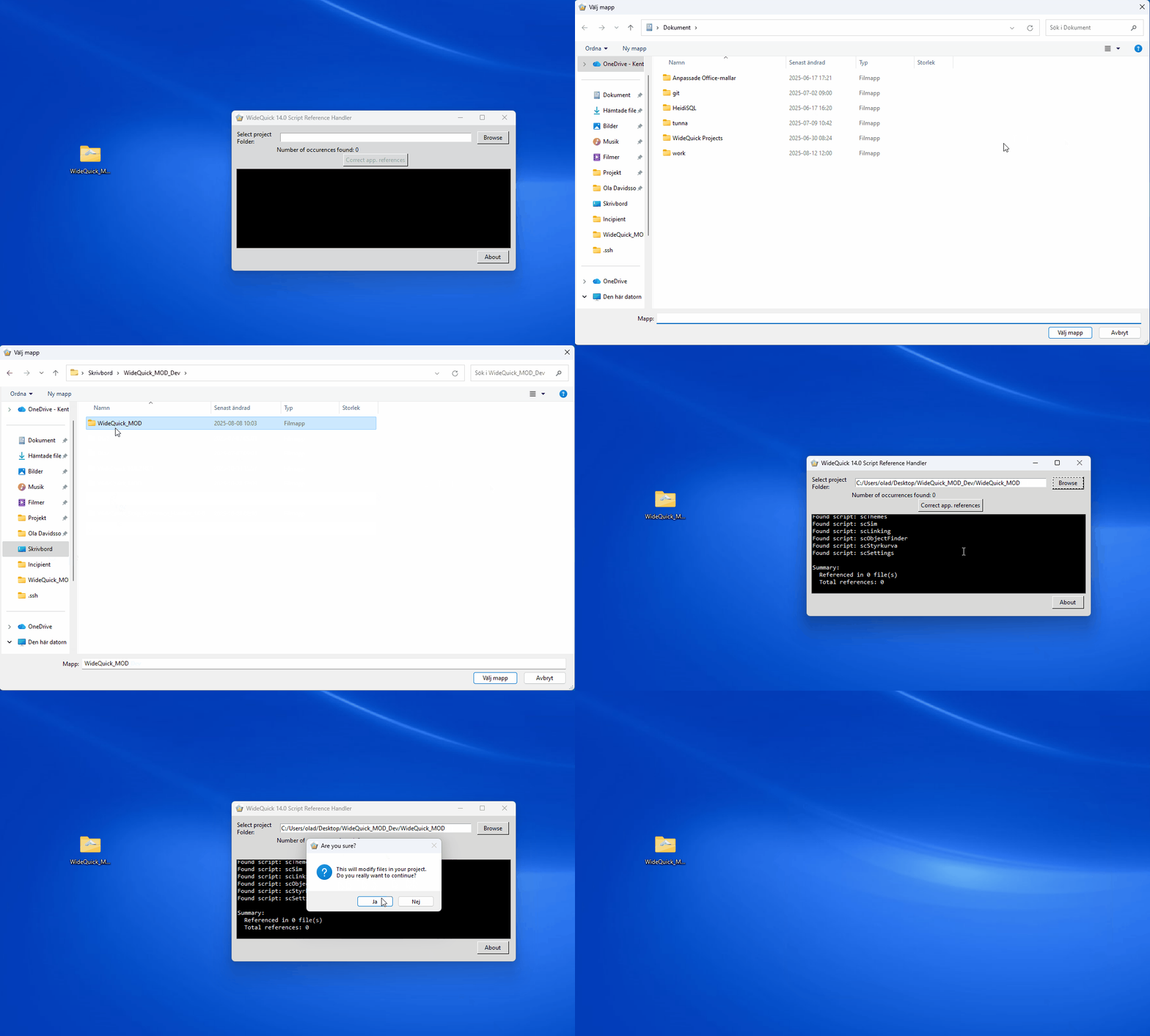
Press Browse in the top right corner and find the project folder in question. This will find all files in the project that needs to be corrected.
-
Finish it up by pressing Correct app. references. This will open a window, press Ja and then Ok and the projected is updated.
-
This tool does not confirm logic, only changes the references. Ensure the projects works as intended before removing the backup.