Audit Trail - Configuring
Configuring Variables to Track
Navigate to History → Logs → Audit trail → Audit Trail - Settings.
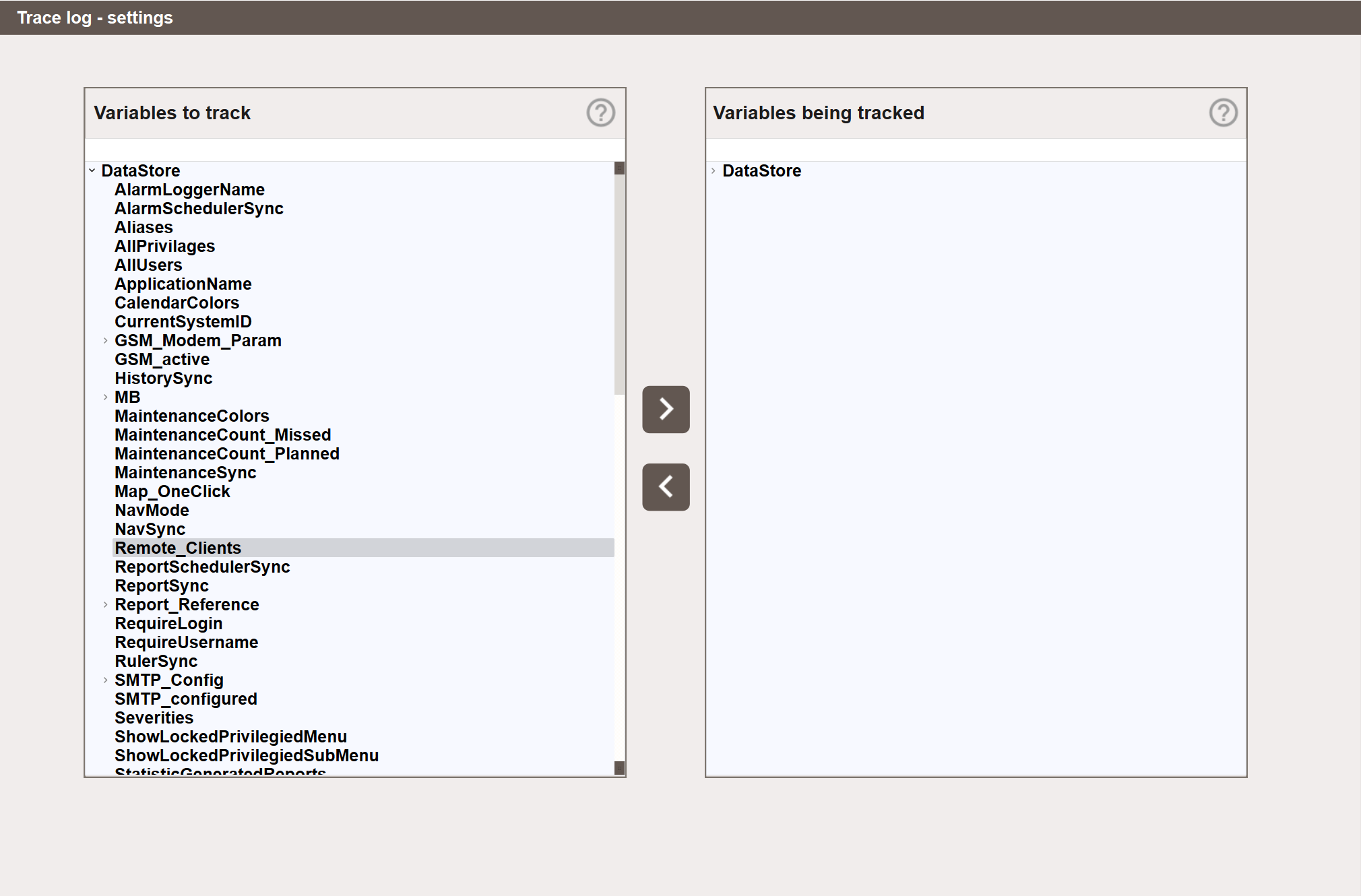
The view has two panels. The left panel shows all available Data Store variables. The right panel shows the variables currently being tracked.
To start tracking a variable, select it in the left panel and click the > button. To stop tracking a variable, select it in the right panel and click the < button. Variables can also be added/removed by double-clicking.
Variables can be added at any level of the Data Store tree. Selecting a parent node and clicking > adds all variables under that node at once.
Warning
Avoid tracking variables that change continuously, such as measured values and sensor readings. This will generate a very large number of log entries and make the log difficult to use. The Audit Trail is intended for variables that change infrequently and deliberately, such as setpoints, control signals, and configuration values.