Maintenance - Extending
Calendar Integration
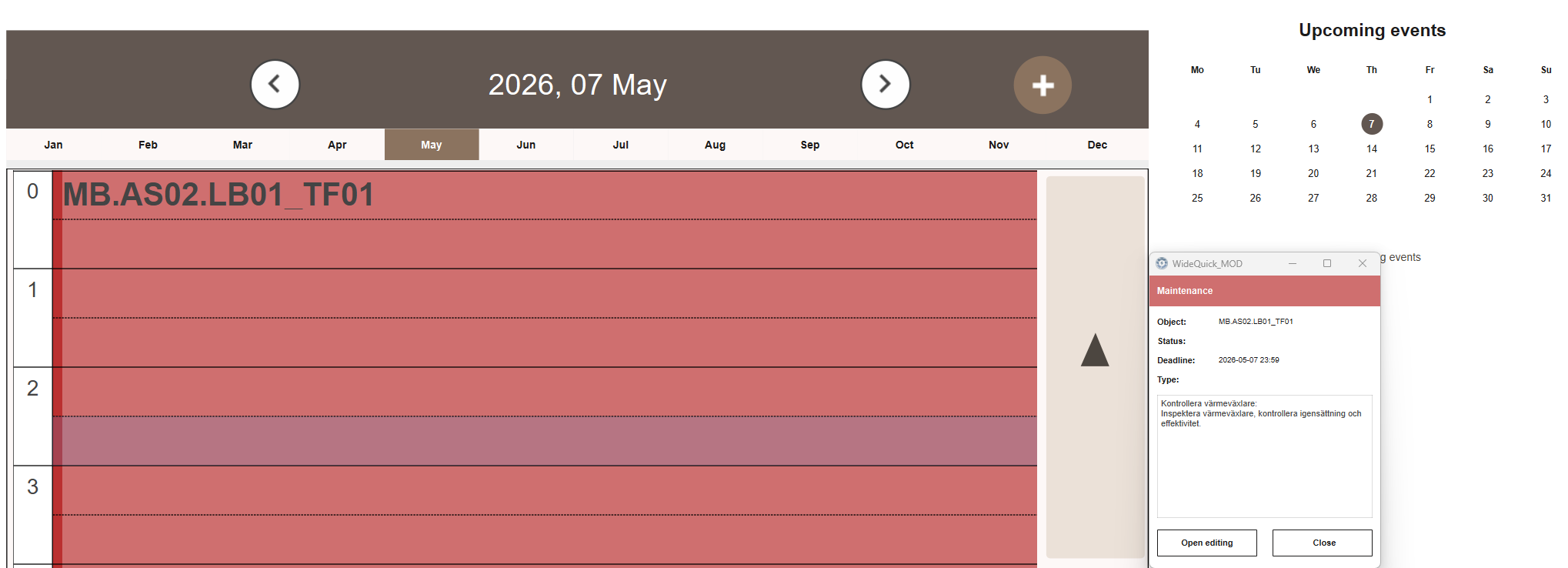
Maintenance tasks with upcoming deadlines automatically appear as events in the Calendar module. This gives a time-based overview of scheduled maintenance across the project without needing to open the maintenance list.
The calendar reads tasks from the maintenance database and displays them based on their deadline date. Tasks with the status Done, Done - Delayed or Removed are excluded.
A reminder event appears in the calendar a set number of days before each task's deadline. The default reminder offset is 3 days. The offset and per-template reminder toggle can both be configured from a script — see Calendar — Extending.
Change History
Every change to a maintenance task — status, deadline, assignee, priority and description — is automatically recorded and viewable under History → Logs → Audit Trail → Audit Trail - Maintenance. No configuration is needed. See Audit Trail for details.