Logbook - Configuring
Topics
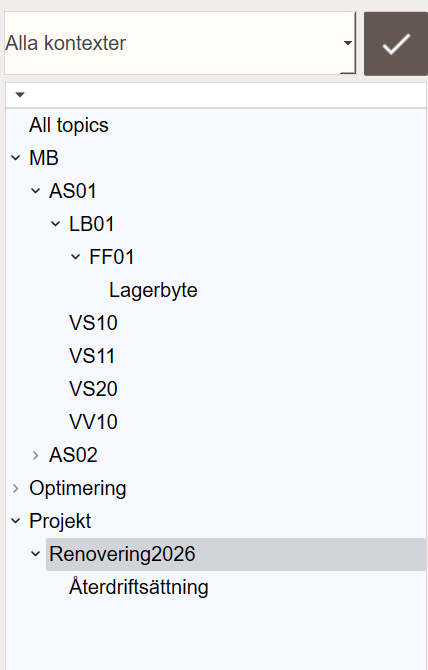
A topic is a string that identifies where in the system an entry belongs. Topics are hierarchical: levels are separated by /. An entry with the topic Building/Floor2/AHU01 is visible when selecting Building, Building/Floor2, or Building/Floor2/AHU01 in the topic tree.
Topics do not need to be registered in advance. They are created automatically the first time an entry is saved under that topic string.
Convention: Follow the same structure as the tag system: Connection/Device/System/Object. This makes it easy to find entries that belong to a specific piece of equipment.
When the logbook is opened from an object popup, the topic is set automatically from the object's tag path. When opened from a view button, the topic can be set from the view name or passed explicitly. See Extending for how to do this in a script.
Contexts
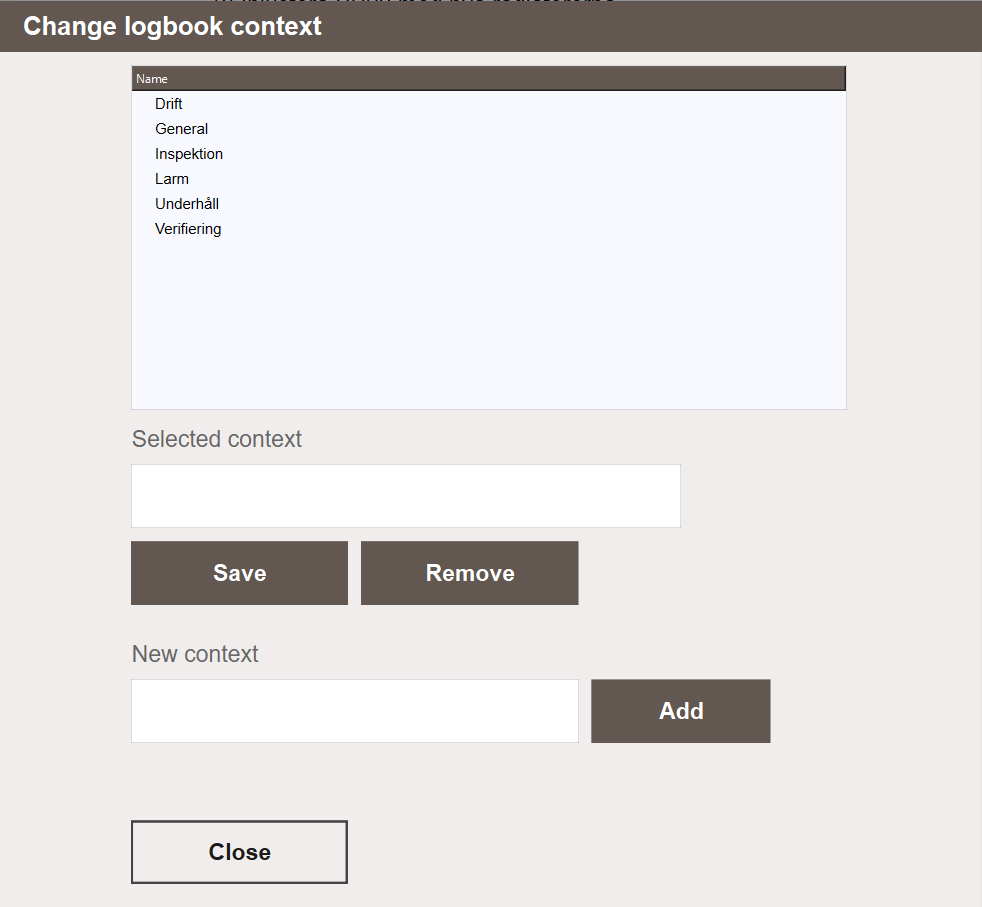
Contexts are named groupings that can be used to categorise entries across topics. Examples: Operations, Commissioning, Alarms. The default context General is always available.
Contexts are managed from the Change logbook context popup, opened by clicking ... next to the Context field when creating or editing an entry. From there, contexts can be added, renamed and deleted. Deleting a context does not delete the entries assigned to it. Those entries remain in the logbook with no context assigned.
When filtering the logbook, selecting a context shows only entries assigned to that context, regardless of topic.
Access Patterns
Global
The full logbook under Documents & Logbook → Logbook shows all entries from all topics. The topic tree on the left can be used to narrow down to a specific area of the system. This is the primary view for operators who need to review or add notes across the whole project.
Object Popup
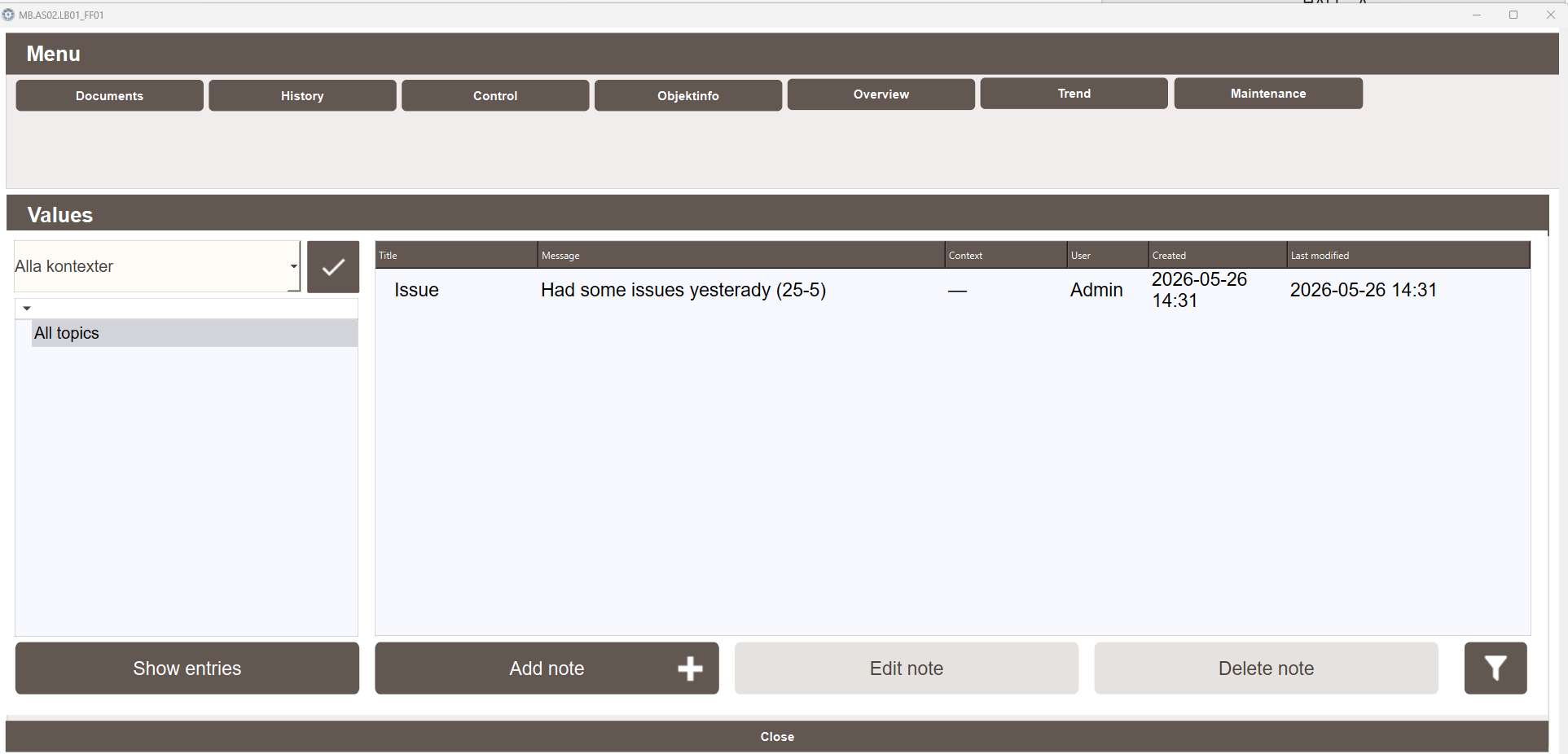
Every object in the project has a Logbook tab in its popup. Opening this tab shows only entries whose topic matches the object's tag path. New entries created from here are automatically assigned the correct topic.
View-Scoped
The SpeedDial menu on process views includes a button that opens a logbook scoped to the current view. Only entries matching that view's topic are shown, and new entries created from here are automatically assigned the correct topic. See Extending for setup details.
Next Steps
- Extending — adding a logbook to a custom view or button